

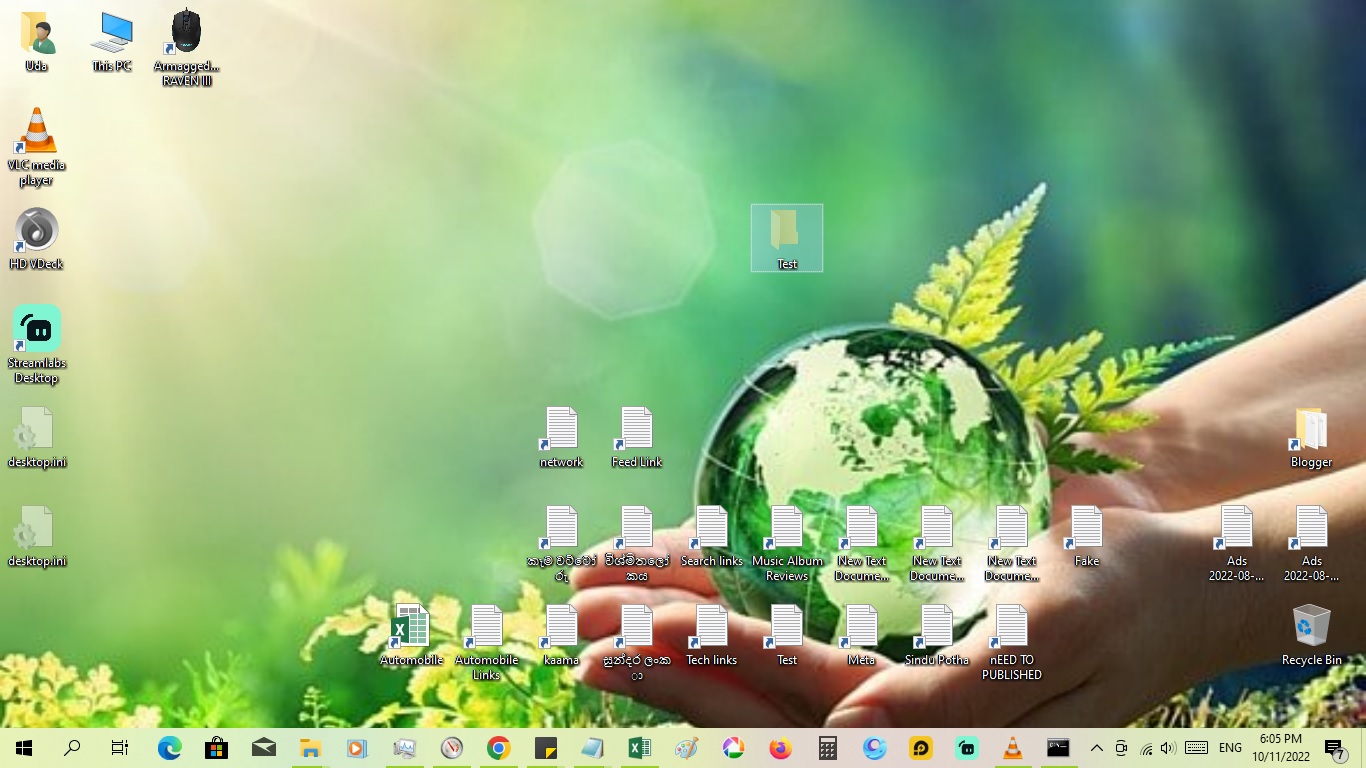

1. Open “Run” by pressing “Windows Key + R” and type “cmd”.
2. Copy the following command and paste it.
attrib +s +h "C:\Users\Uda\Desktop\Test"

3. Replace “C:\Users\Uda\Desktop\Test” with the path of the folder or file which you want to hide and hit “Enter”.
4. Now the folder will be disappeared and even after changing the properties in “Control Panel>File Explorer Option” the folder will not displayed.
How to Unhide the Super Hidden Folder
1. Open “Run” by pressing “Windows Key + R” and type “cmd”.
2. Copy the following command and paste it.
attrib -s -h "C:\Users\Uda\Desktop\Test"

3. Replace “C:\Users\Uda\Desktop\Test” with the path of the folder or file which you have hidden and hit “Enter”.
4. Now the Hidden folder or file will be shown.

0 comments:
Post a Comment